Prerequisites
To get the most out of this guide, you’ll need to:1. Get the Resend SMTP credentials
When configuring your SMTP integration, you’ll need to use the following credentials:- Host:
smtp.resend.com - Port:
465or587(see port options below) - Username:
resend - Password:
YOUR_API_KEY
Port options
Resend supports multiple ports for different security configurations:| Type | Port | Security |
|---|---|---|
| SMTPS | 465, 2465 | Implicit SSL/TLS (Immediately connects via SSL/TLS) |
| STARTTLS | 25, 587, 2587 | Explicit SSL/TLS (First connects via plaintext, then upgrades to SSL/TLS) |
465 (SMTPS) or 587 (STARTTLS).
2. Integrate with Auth0 SMTP
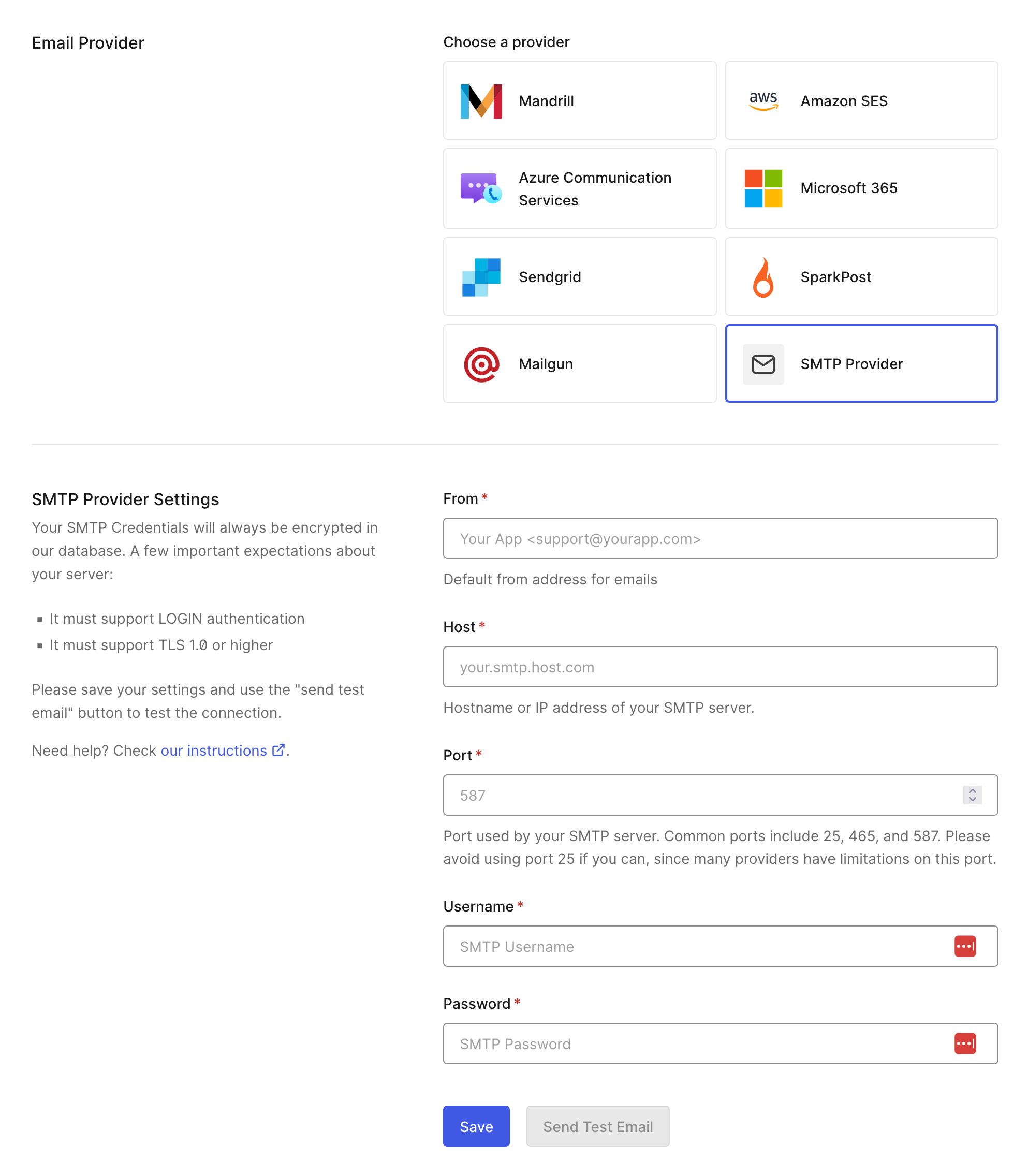
After logging into your Auth0 dashboard, you’ll need to enable the SMTP integration.- From your Auth0 dashboard, go to Branding > Email Provider.
- Enable the Use my own email provider toggle.
- Select SMTP Provider.
- Enter a From email address, and then enter the Resend SMTP server’s Host, Port, Username, and your API key as the Password.